Knowledge Base
Bluehost Self-Managed VPS: How to Install Portainer
Portainer is a simple, easy-to-use tool that helps you manage your Docker containers through a web interface. If you have a Bluehost Self-Managed VPS, this guide will walk you through how to install Portainer quickly and easily.
Install Portainer Using Bluehost Portal
To install Portainer:
Important:
- You can install only one application using the one-click installer.
- To change or delete your application, follow the guide: Bluehost Self-Managed VPS: How to Change and Delete an Application.
- If you want to keep your current template, install the new application manually using SSH.
- Log in to your Bluehost Portal.
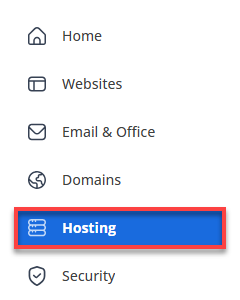
- Click Hosting in the left-hand menu.
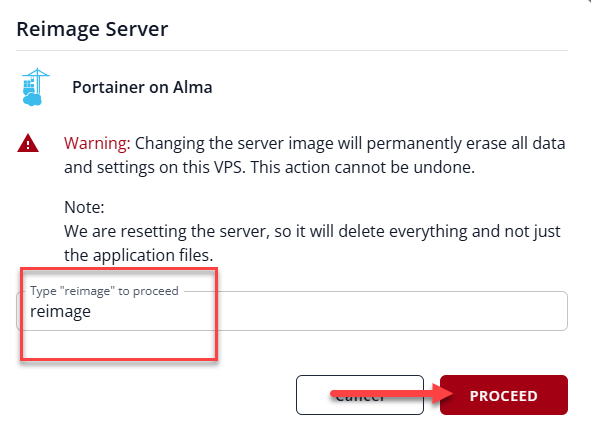
Changing the server image will permanently erase all data and settings on this VPS. This action cannot be undone.
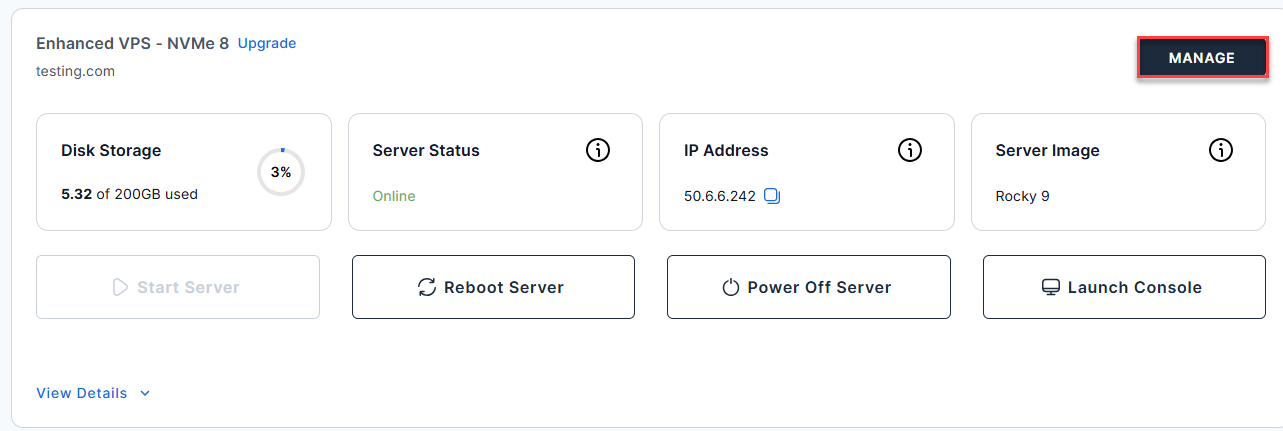
- Click the Manage button on the Self-Managed VPS package.
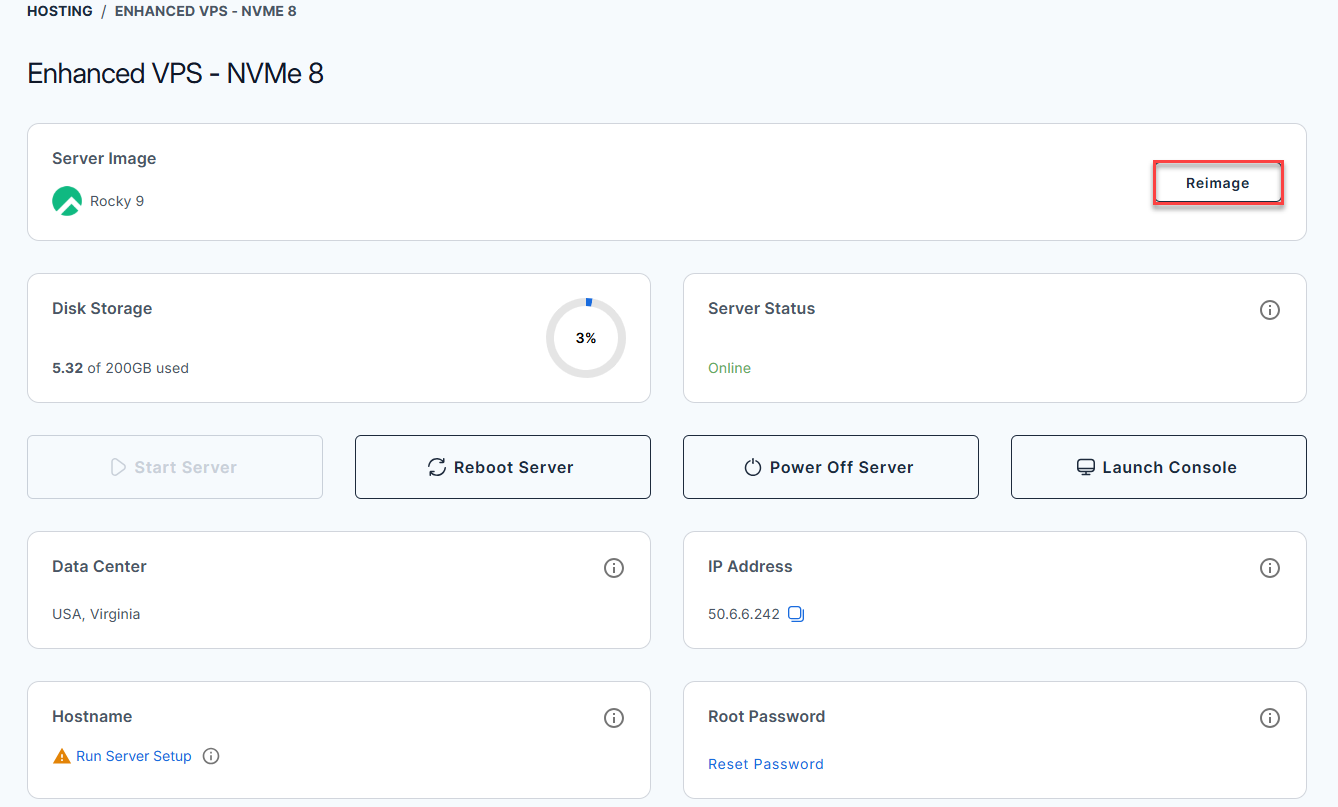
- Click the Reimage button.
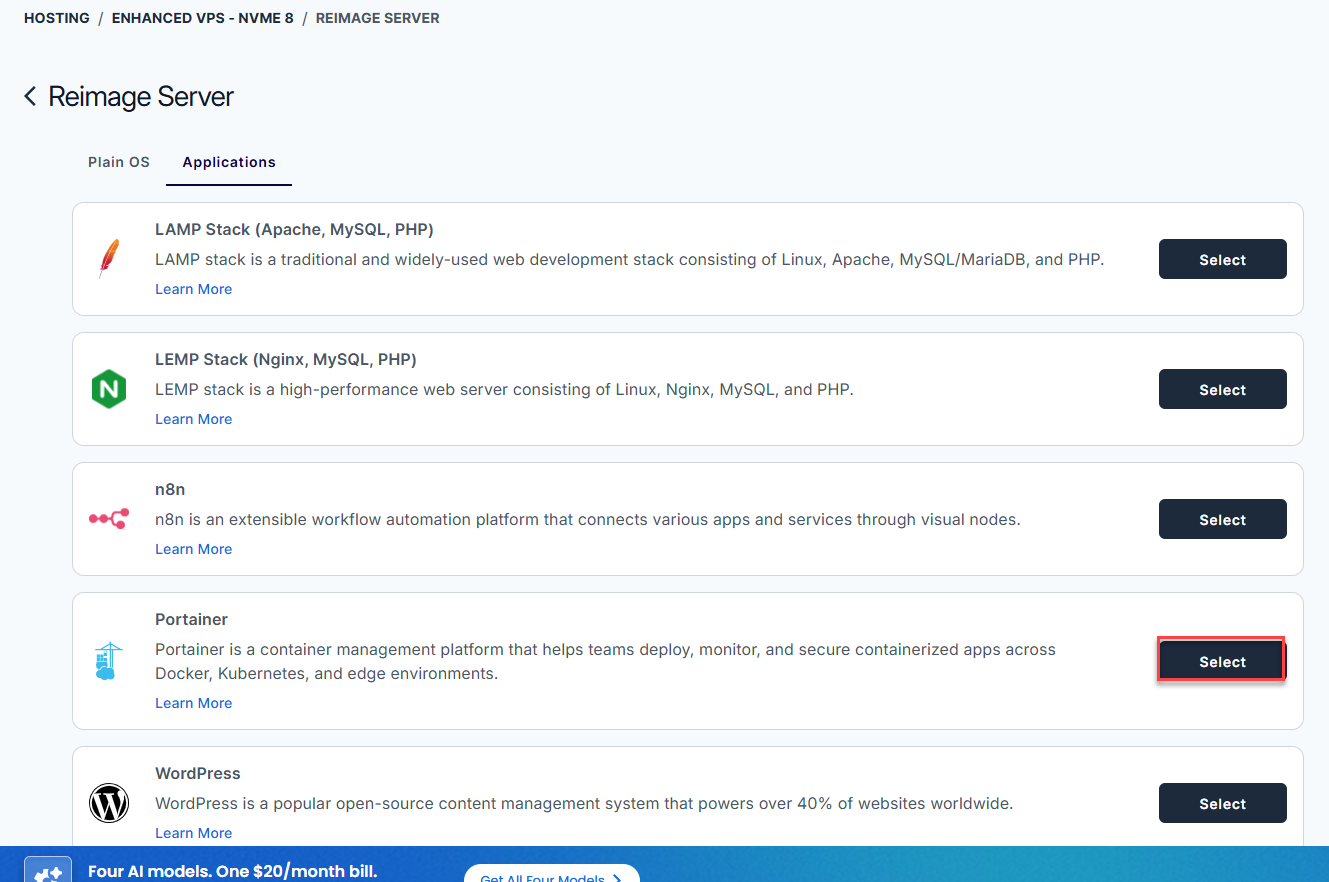
- Select the Applications tab.
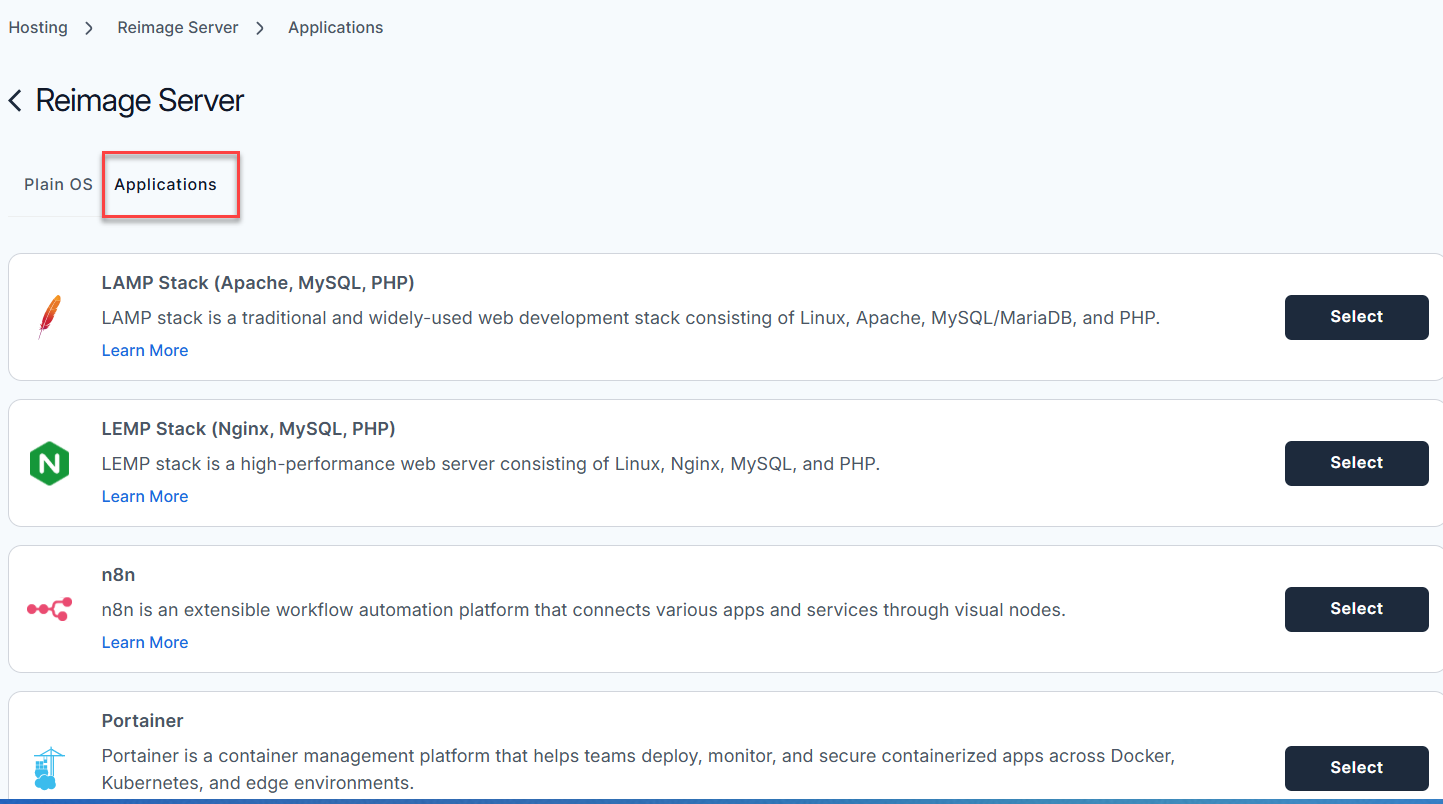
- From the list, find Portainer and click Select.
- To confirm, please type "reimage" and then click Proceed to start the process.
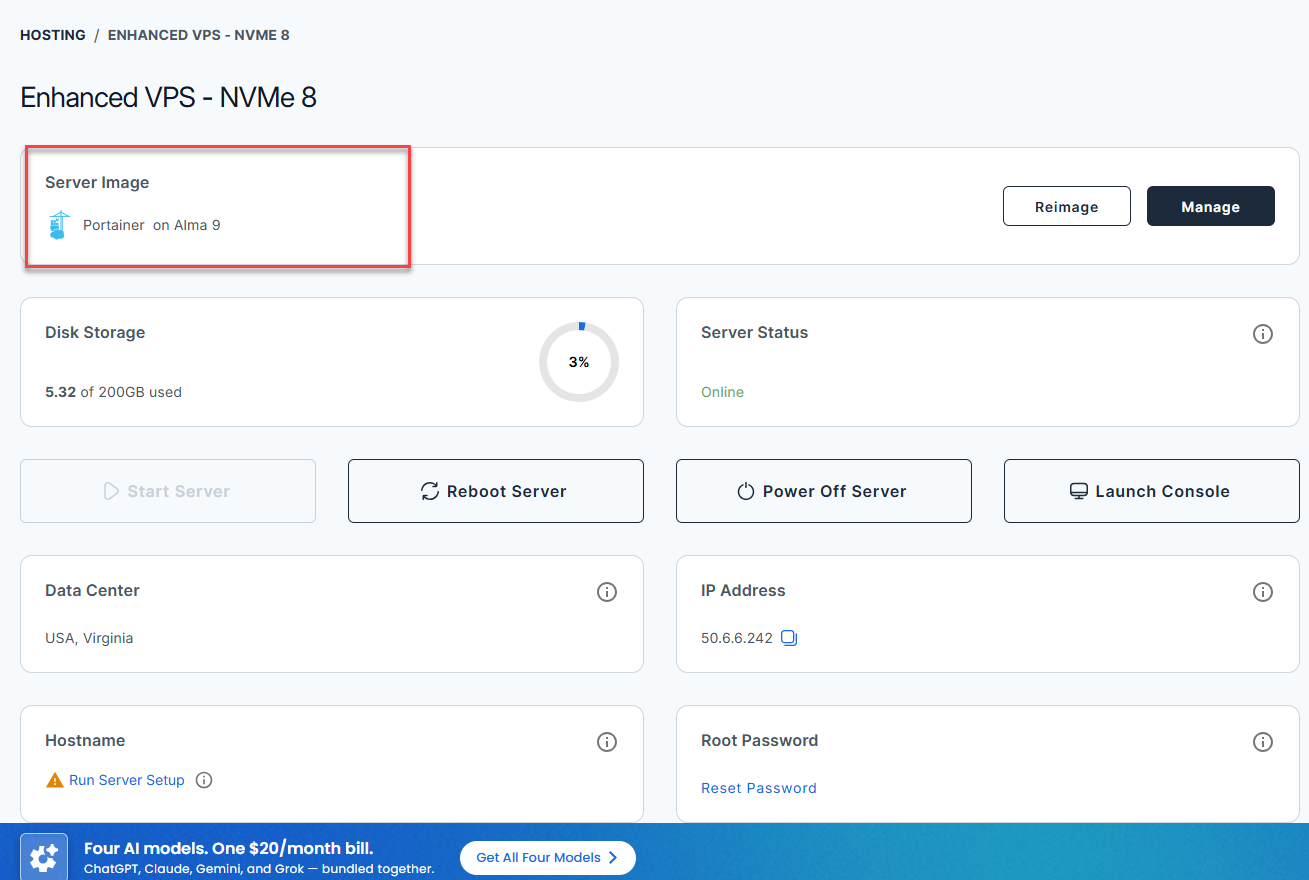
- Wait a few moments while the installation completes.

- Once completed, you will see Portainer listed in the Server Image section.
Access Your Portainer Dashboard
After installation completes:
- Log in to your Bluehost Portal.
- Click Hosting in the left-hand menu.
- Click the Self-Managed VPS package where Portainer is installed, and click Manage.
- In the Application tab, click Manage under the Server Image tab.
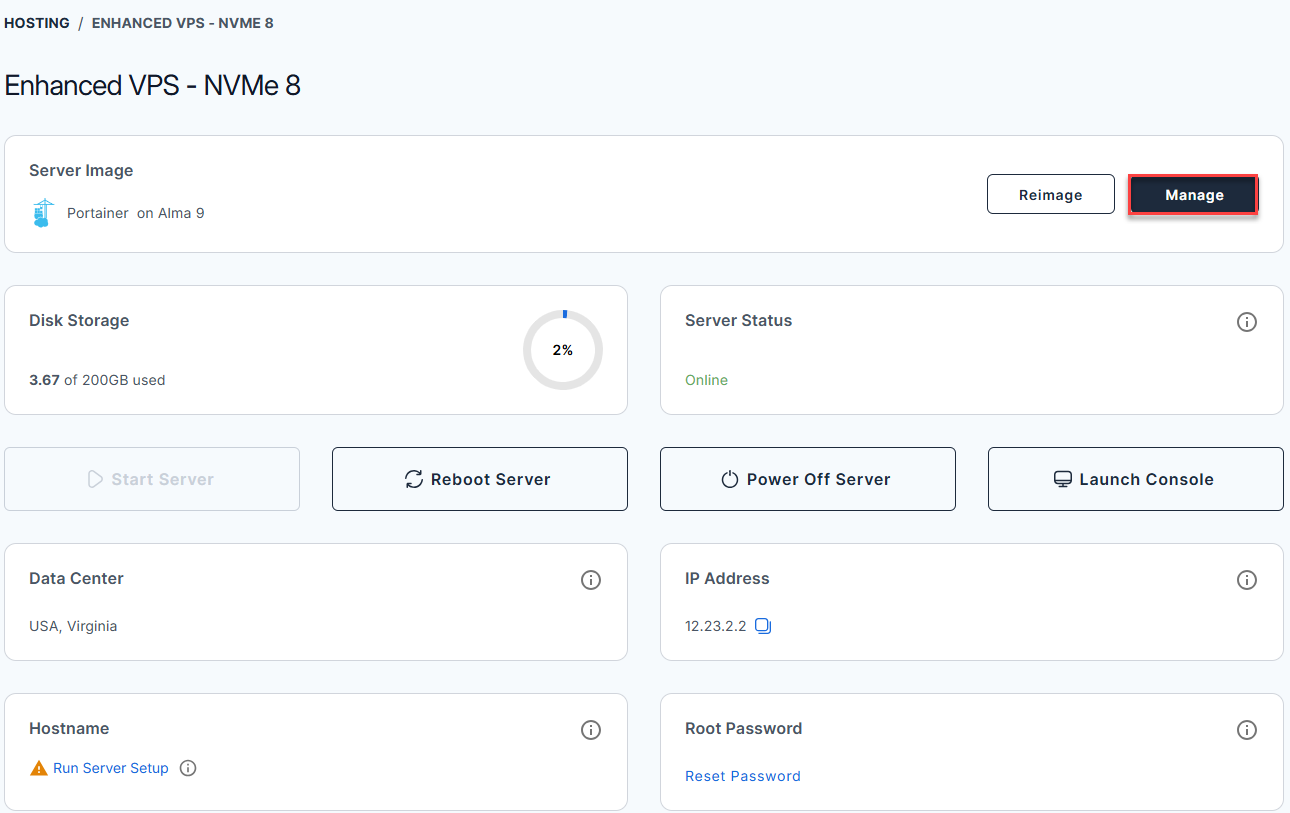
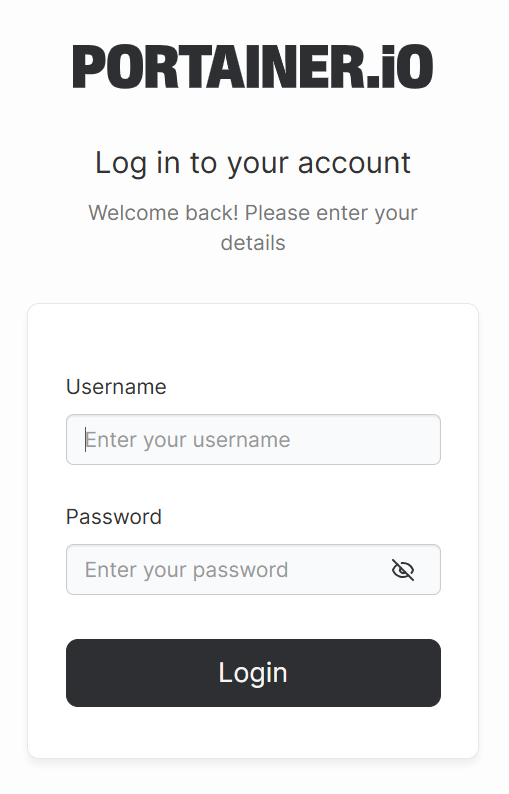
- The Portainer dashboard login page will open in a new browser tab.
Summary
If you want a simple way to manage Docker containers, Portainer is an excellent option. Since Docker comes pre-installed on your Bluehost Self-Managed VPS, you can directly use the Bluehost Portal to install Portainer. Once installed, just log in to the Portainer dashboard to easily manage your containers.
Did you find this article helpful?